The Agency plan
Who the Agency plan is for, how to apply, what happens after you apply, the emails you get, how you pay, what your plan includes and how to change it.
Who it is for
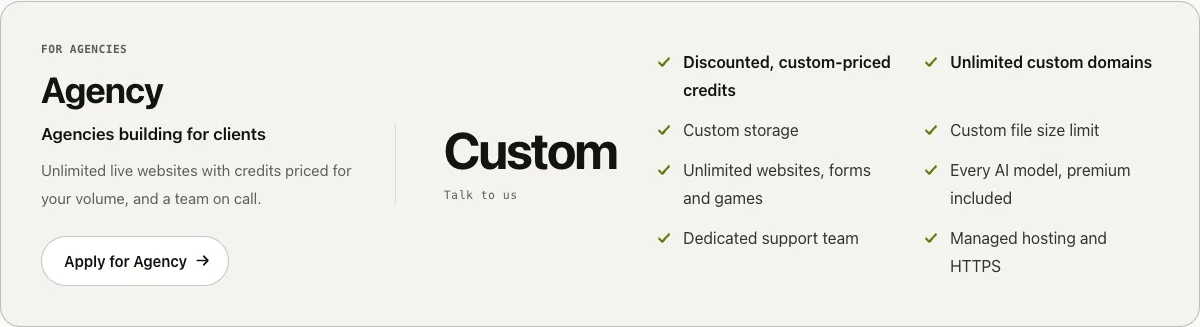
The Agency plan is for agencies and freelancers who build and look after websites for clients. The other plans come in fixed sizes. Agency is built around you instead: we agree how many websites, forms and games it covers, how many AI credits it adds every month, and one price, paid monthly or yearly.
It suits you if you manage more client websites than the Artisan plan holds, if your team builds every day, or if you want one bill for all of your clients' websites.
How it works, in short
- You apply. It takes about three minutes and needs no account.
- We read your application and build a plan from your answers, usually within two working days.
- We email you the plan, its price and a payment link.
- You pay through the link. The plan turns on as soon as the payment goes through.
- You build. Your credits refill every month and the plan renews by itself.
Applying
Open the application, or choose Apply for Agency on the Agency card of the plans page. The same button is in the plan picker on your Billing page, and on the message you see when your plan has no room for another website.
The form has four short parts. Questions marked optional can be left empty.
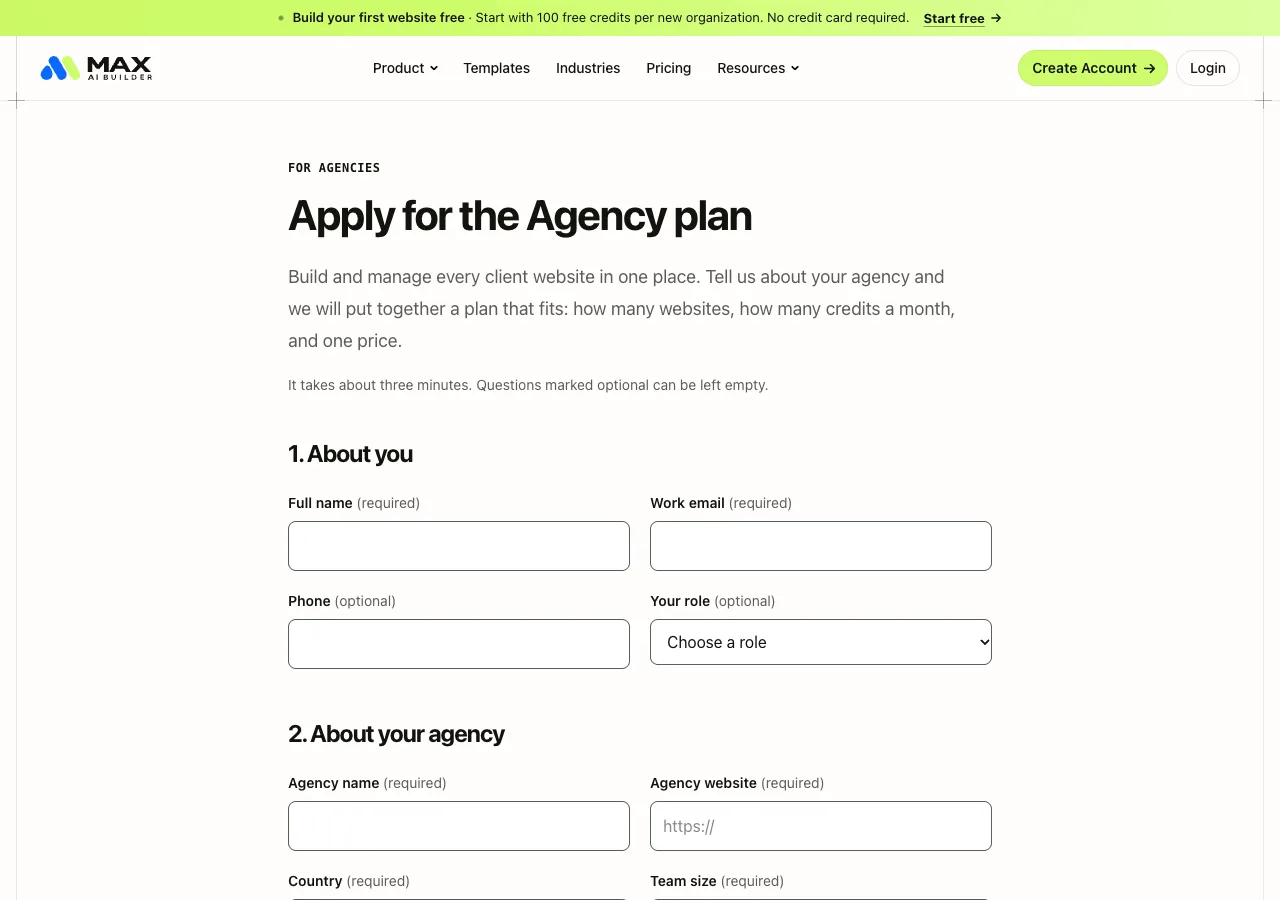
- About you: your name, your work email (we reply to it), a phone number and your role.
- About your agency: its name, its website, the country you work from, your team size, and what you do for clients.
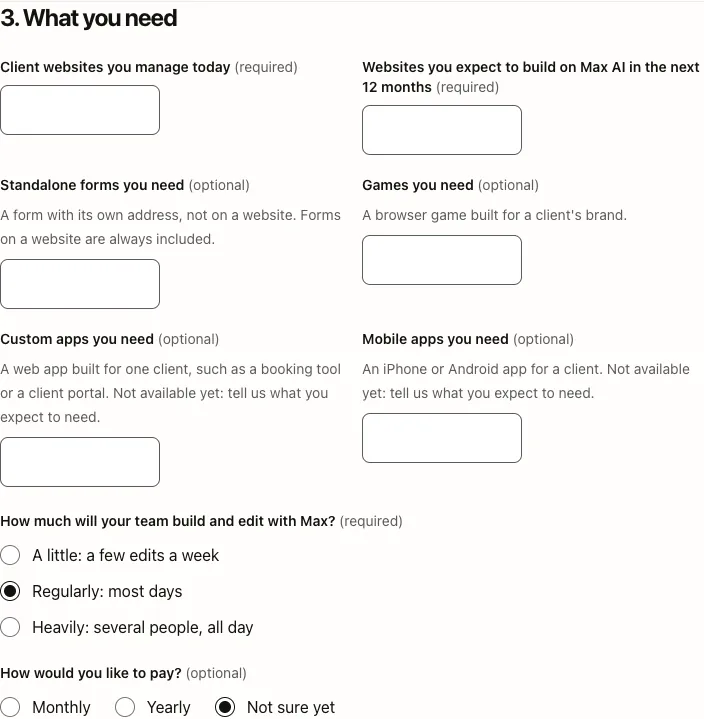
- What you need: this part shapes your plan, so be as close as you can.
- Anything else: what you build client websites with today, how you heard about us, and anything we should know.
What you need
| Question | What we do with it |
|---|---|
| Client websites you manage today | Tells us the size of your agency. 0 is fine. |
| Websites you expect to build on Max AI in the next 12 months | The number of websites your plan starts with. |
| Standalone forms you need | A form with its own address. Forms on your websites are always included. |
| Games you need | Browser games built for a client's brand. |
| Custom apps and mobile apps you need | Neither is available yet. Tell us what you expect to need and we keep room for it. |
| How much your team will build and edit with Max | How many AI credits your plan adds every month. |
| How you would like to pay | Monthly or yearly. A year costs less than twelve months. |
If something needs fixing
If an answer is missing or mistyped, the form comes back with everything you wrote still in place, a list of what to fix at the top, and each problem next to its question.

Once it is sent
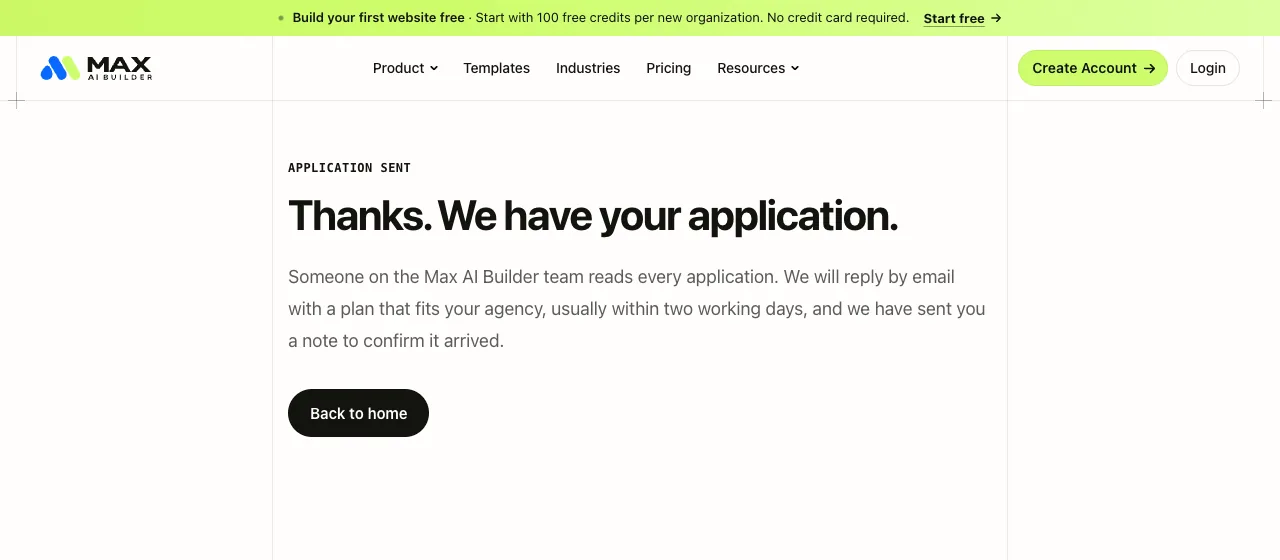
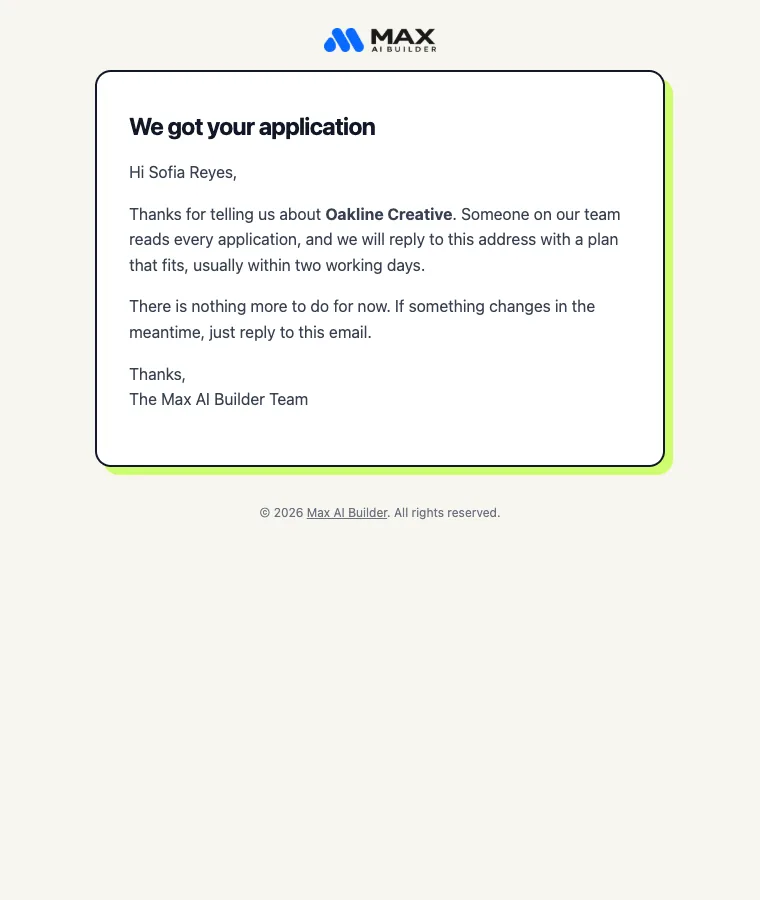
You see a thank-you page, and we email you to confirm your application arrived. There is nothing more to do. If something changes before we reply, answer that email.
If you apply again with the same email while we are still reading the first one, we update your answers rather than starting over.
Your plan and payment link
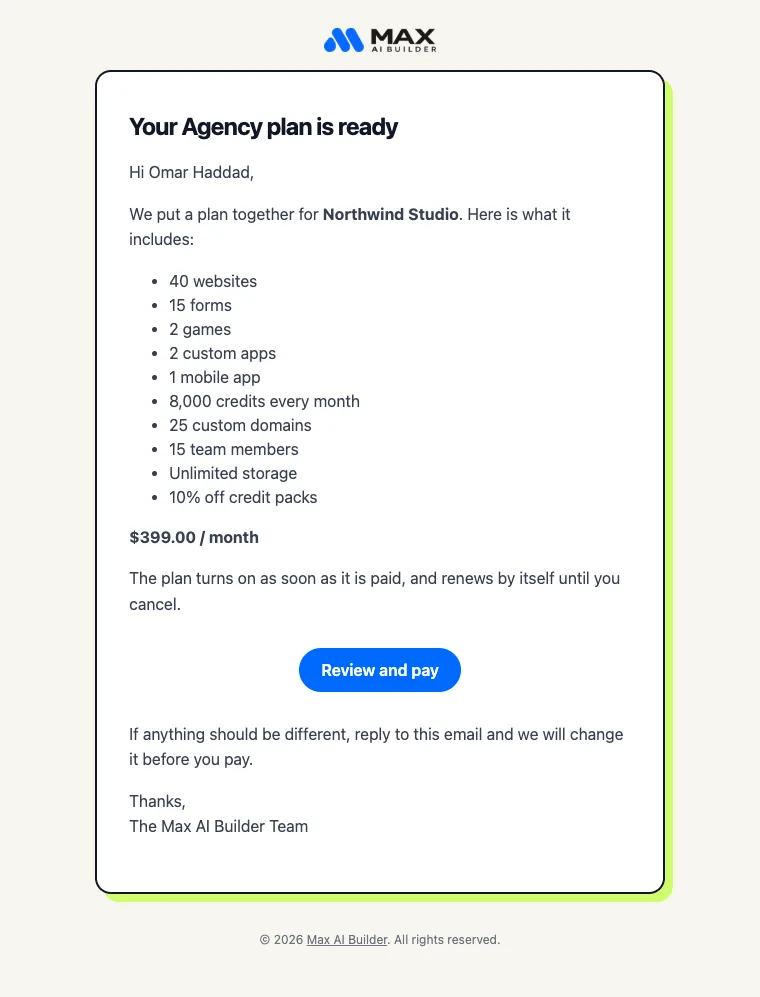
When your plan is ready, we email it to you: everything it includes, its price, and a Review and pay button. If anything should be different, reply to the email and we change it before you pay.
The button opens your plan on our website. It shows what is included, the limits that come with it, and the price.
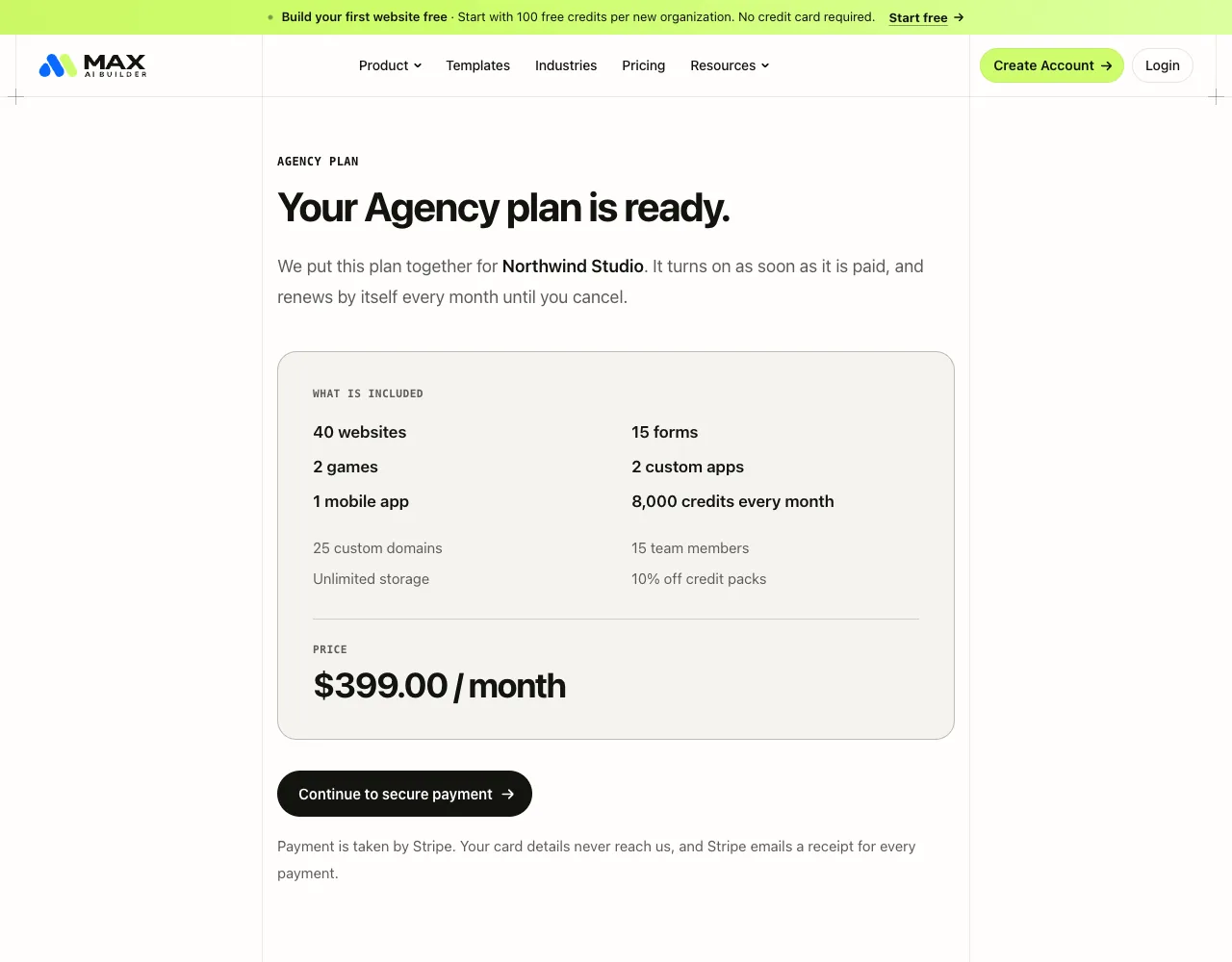
Continue to secure payment takes you to Stripe, which takes the payment. Your card details never reach us, and Stripe emails a receipt for every payment.
A few things to know about the link:
- It works until it is paid. You can open it today and pay next week.
- It belongs to your plan. If we change your plan before you pay, we send you a new link and the old one stops working; it then says so and asks you to use the new one.
- No account is needed to pay. If you did not have one, we created it when we approved your application, with your agency's name. Sign in with the email you applied with: we send you a 6-digit code, and there is no password to remember.
After you pay
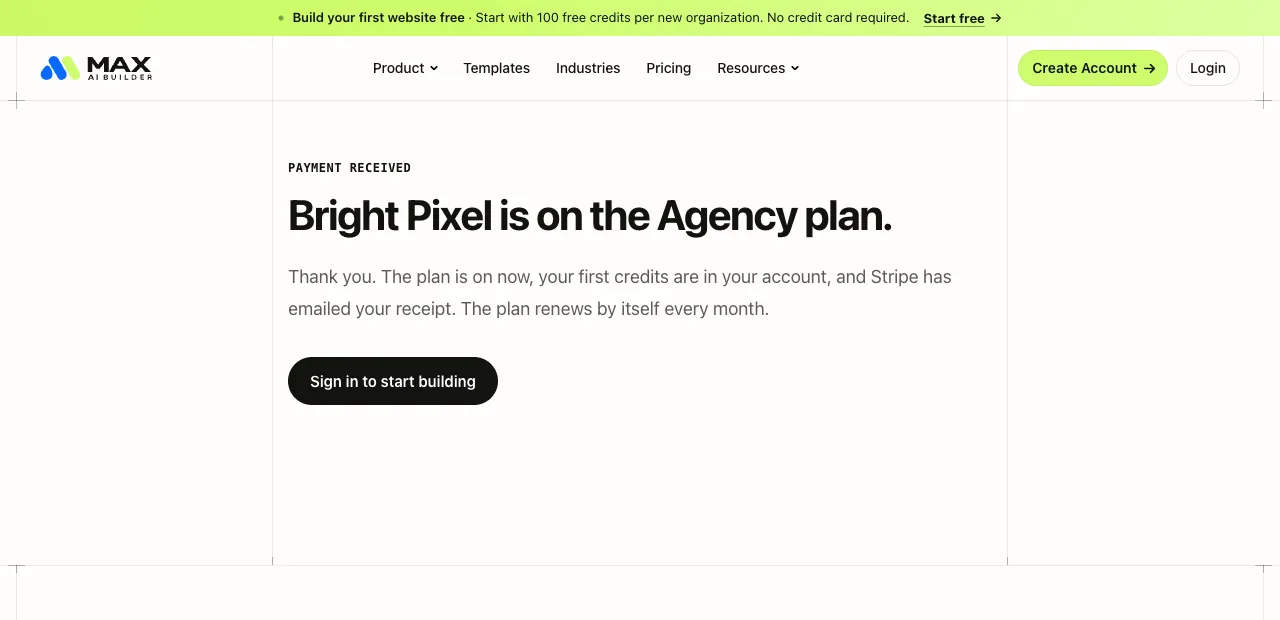
The plan turns on as soon as the payment goes through. If you come straight back from Stripe, the page confirms it.
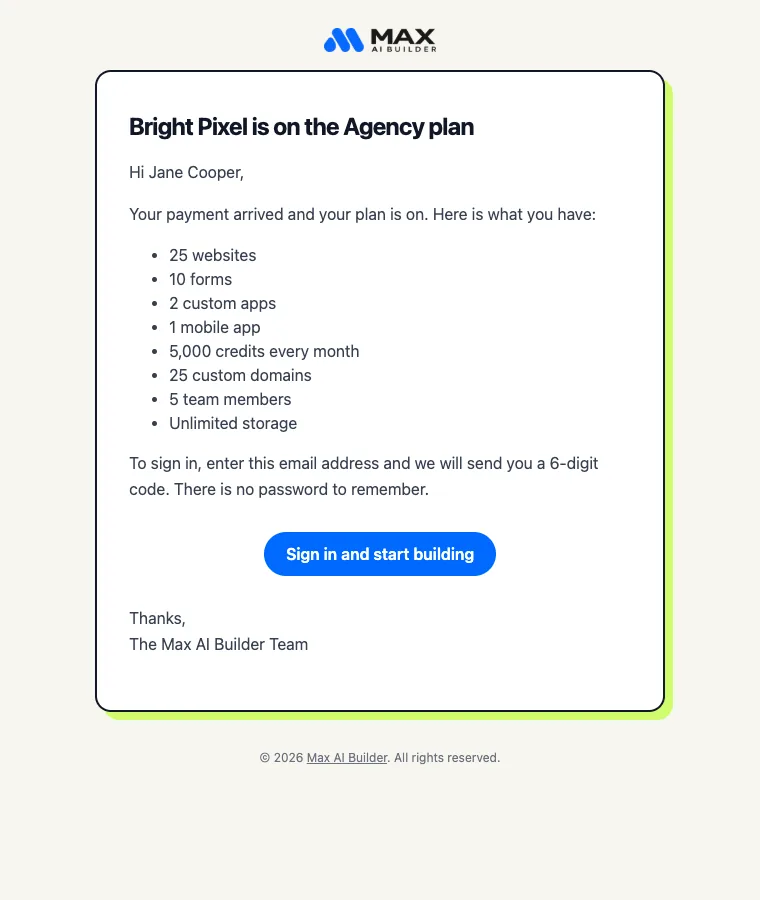
We also email you a welcome, with what your plan includes and how to sign in.
If the page says it is still confirming your payment, wait a few seconds and choose Check again. The plan turns on by itself as soon as the payment arrives, even if you close the page.
What you get
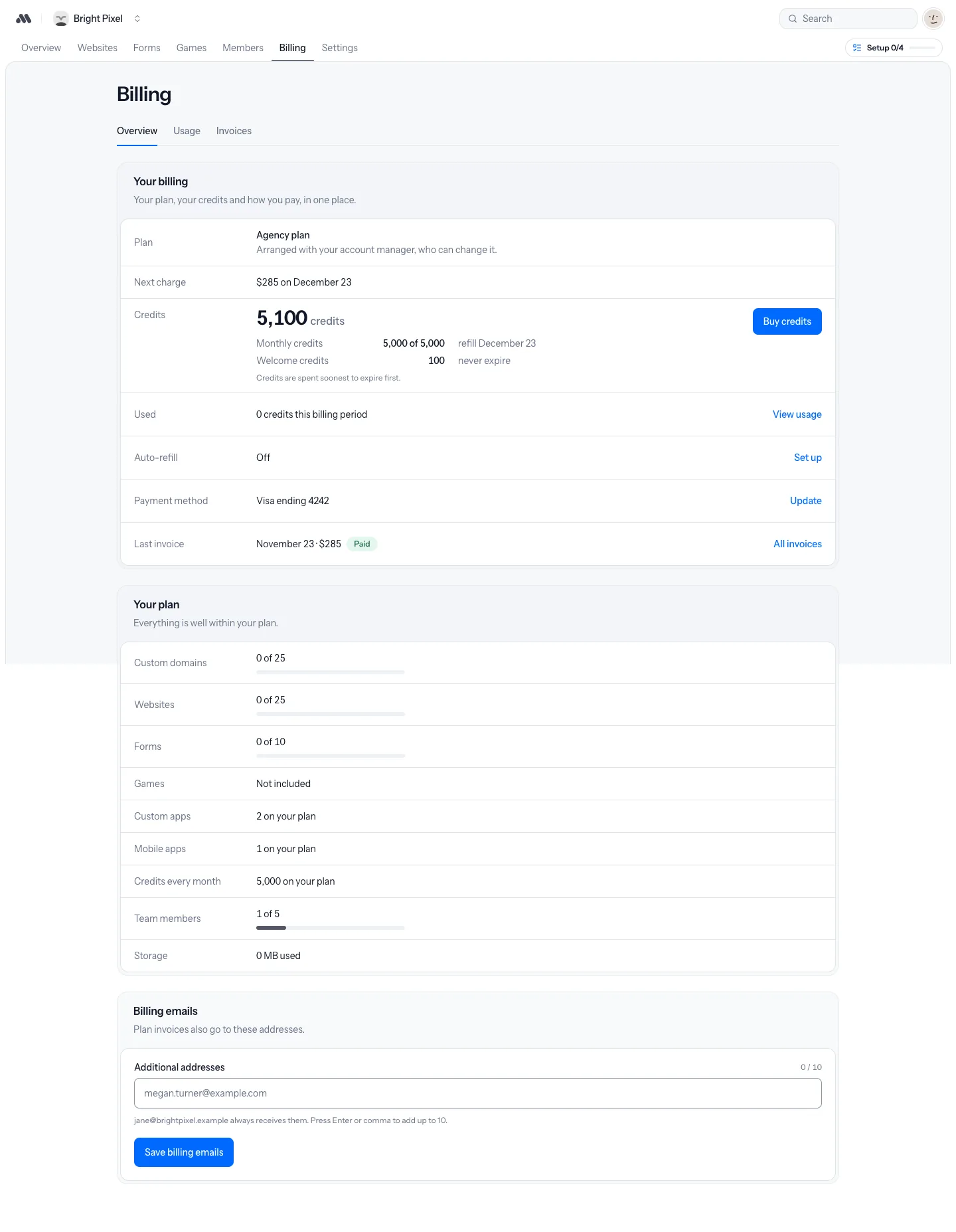
Your Billing page reads Agency plan:
- Next charge: what you pay next and when.
- Credits: your monthly credits, with the day they refill.
- Your plan: how much of each thing your plan covers you are using. Websites, forms and games show your count against the agreed number, or Unlimited where we agreed no limit. A kind your plan does not include reads Not included. Custom apps, mobile apps and your monthly credits show how many are on your plan.
- Invoices: every payment, with its receipt.
- Monthly credits refill every month while the plan is paid. Unused ones carry over one month, like the other plans.
- Credit packs cost the same as on any plan. If your plan includes a discount on credit packs, the same price buys more credits, and the Buy credits window says so.
- Every AI model is included, premium ones too.
See Organization plans for how Agency compares with the other plans.
Changing your plan
There is no plan switcher on Agency, because the plan is built for you. To add websites, credits or anything else, contact us or reply to any email from us.
- More of something, same price: the new numbers apply as soon as we save them.
- A new price: your next renewal is charged the new price. Nothing is charged in between, and you are never sent a second payment link while your plan is being paid.
- Monthly or yearly: tell us which you would like. Changing between them starts a new subscription at the end of the one you have.
If your plan stops being paid
If a payment fails, Stripe tries again for a while and emails you. If the plan is cancelled or stays unpaid, your monthly credits stop refilling when the paid period ends. Your websites stay as they are, and we contact you before changing anything else.
If we cannot offer the plan
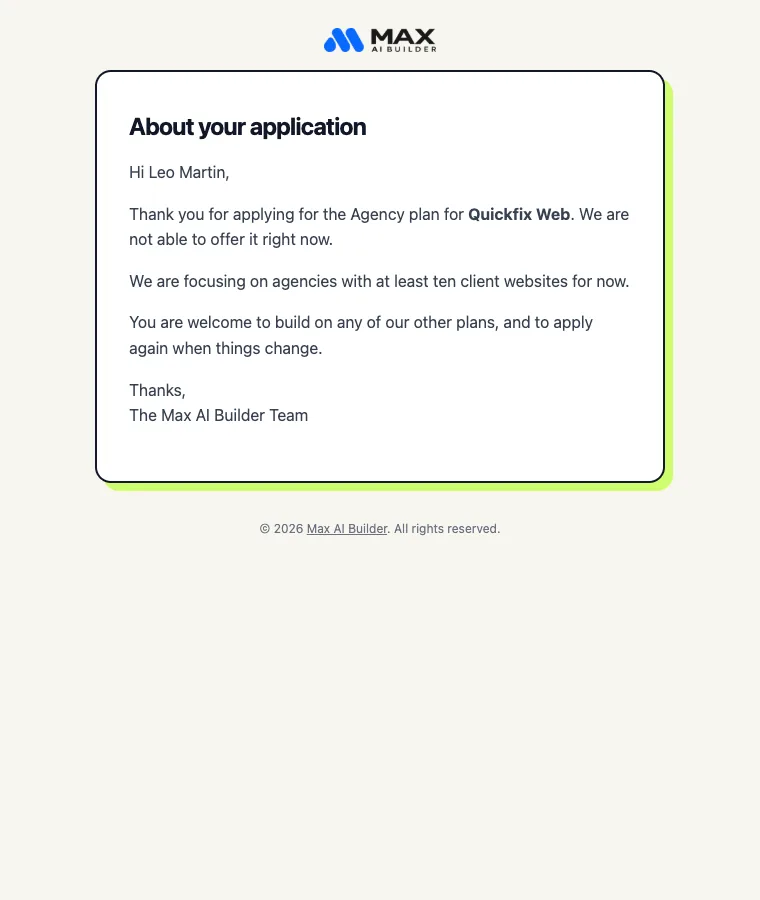
Sometimes the Agency plan is not the right fit yet. If so, we email you to say so, usually with a note on why. You are welcome to build on any of our other plans, and to apply again when things change.